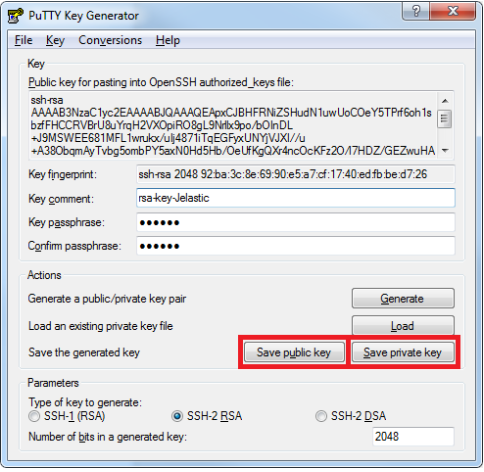
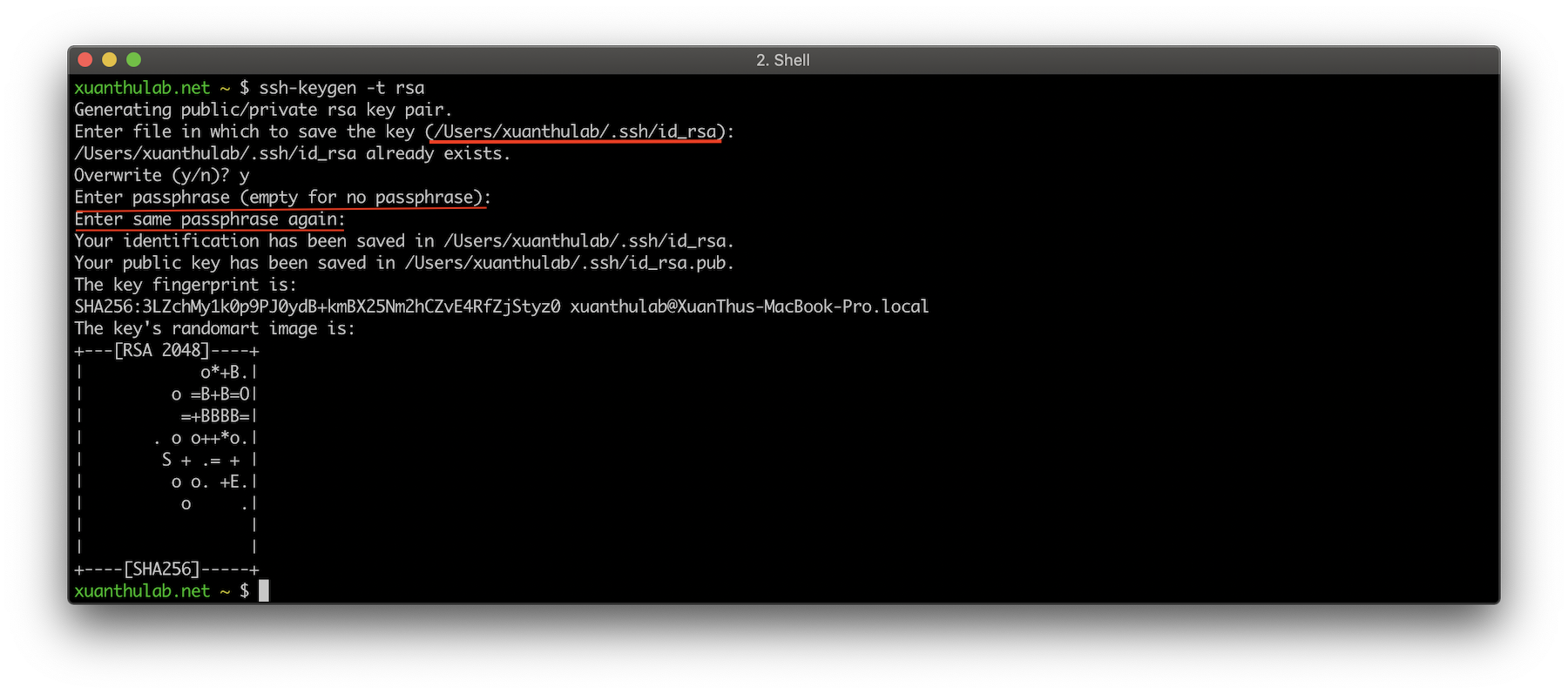
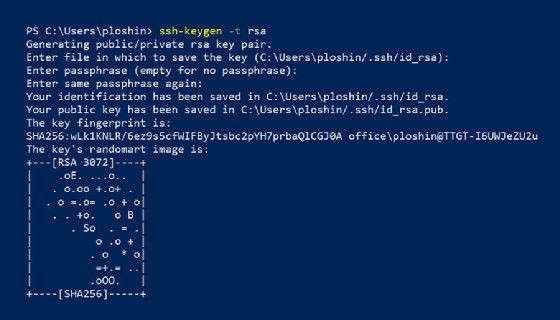
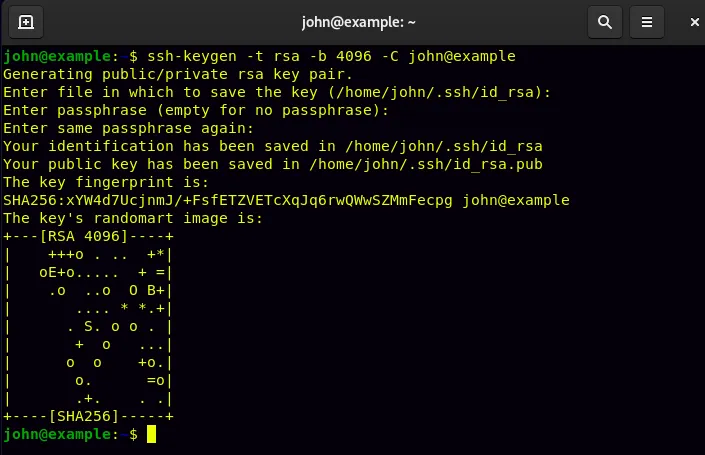
ssh-keygen is a standard component of the Secure Shell (SSH) protocol suite found on Unix, Unix-like and Microsoft Windows computer systems used to establish secure shell sessions between remote computers over insecure networks, through the use of various cryptographic techniques. The ssh-keygen utility is used to generate, manage, and convert authentication keys.
Overview
ssh-keygen is able to generate a key using one of three different digital signature algorithms. With the help of the ssh-keygen tool, a user can create passphrase keys for any of these key types. To provide for unattended operation, the passphrase can be left empty, albeit at increased risk. These keys differ from keys used by the related tool GNU Privacy Guard.
OpenSSH-based client and server programs have been included in Windows 10 since version 1803. The SSH client and key agent are enabled and available by default and the SSH server is an optional Feature-on-Demand.
Key formats supported
Example: ssh-keygen -t rsa
Originally, with SSH protocol version 1 (now deprecated) only the RSA algorithm was supported. As of 2016, RSA is still considered strong, but the recommended key length has increased over time.
The SSH protocol version 2 additionally introduced support for the DSA algorithm. DSA is now considered weak and was disabled in OpenSSH 7.0.
Subsequently, OpenSSH added support for a third digital signature algorithm, ECDSA (this key format no longer uses the previous PEM file format for private keys, nor does it depend upon the OpenSSL library to provide the cryptographic implementation).
A fourth format is supported using Ed25519, originally developed by independent cryptography researcher Daniel J. Bernstein.
Command syntax
The syntax of the ssh-keygen command is as follows:
ssh-keygen [options]
Some important options of the ssh-keygen command are as follows:
Files used by the ssh-keygen utility
The ssh-keygen utility generates files for storing public and private keys. Note : they are stored in $HOME/.ssh/ as follows:
SSH protocol version 2
- $HOME/.ssh/id_dsa: The $HOME/.ssh/id_dsa file contains the protocol version 2 DSA authentication identity of the user.
- $HOME/.ssh/id_dsa.pub: The $HOME/.ssh/id_dsa.pub file contains the DSA public key for authentication when you are using the SSH protocol version 2. A user should copy its contents in the $HOME/.ssh/authorized_keys file of the remote system where a user wants to log in using DSA authentication.
- $HOME/.ssh/id_rsa: The $HOME/.ssh/id_rsa file contains the protocol version 2 RSA authentication identity of the user. This file should not be readable by anyone but the user.
- $HOME/.ssh/id_rsa.pub: The $HOME/.ssh/id_rsa.pub file contains the protocol version 2 RSA public key for authentication. The contents of this file should be added to $HOME/.ssh/authorized_keys on all computers where a user wishes to log in using public key authentication.
SSH protocol version 1
- $HOME/.ssh/identity: The $HOME/.ssh/identity file contains the RSA private key when using the SSH protocol version 1.
- $HOME/.ssh/identity.pub: The $HOME/.ssh/identity.pub file contains the RSA public key for authentication when you are using the SSH protocol version 1. A user should copy its contents in the $HOME/.ssh/authorized_keys file of the remote system where a user wants to log in using RSA authentication.
References
External links
- Generating an SSH key, a guide from GitHub
- ssh-keygen manual from the OpenBSD project
- Linux man page from die.net
- Generating SSH Key Pair on Linux and Mac from ifixlinux.com
- Basic overview of SSH Keys from SSH
- How to Use ssh-keygen to Generate a New SSH Key? from SSH
- What is a Git SSH Key? from Atlassian
- How to Create an SSH Key in Linux: Easy Step-by-Step Guide from DigitalOcean
- Getting Started with Oracle Cloud at Customer on Oracle
- Git on the Server - Generating Your SSH Public Key on Git-SCM